Danalock Classic2.0.13
Publisher Description
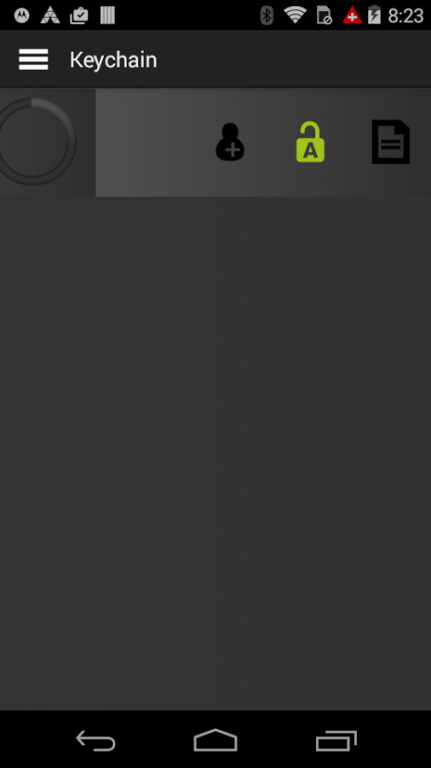
The danalock remote control app.
When downloading the danalock application, it allows you to operate the danalock, the application requires Android 4,4 or higher, and a smartphone with full support of Bluetooth Smart Technology.
IMPORTANT:
Please remember to uninstall the old version of the app before installing the new version and turn bluetooth off and on again.
We experience issues with some phones regarding Google Play Services Geofence (auto unlock).
New features:
- Instant push messages, regarding invites of new users.
- Instant notifications, when users unlock/ lock the danalock.
- Auto unlock improved to app no longer needing to be open or in the background.
- Enhanced Bluetooth performance
- Improved Keychain view updating
- Temporary or permanent key-invites via SMS, email and danalock user server.
Improved Auto unlock function
- Using Googles Play Service geofences to initiate auto unlock
- Get notified when Auto unlock is used
New Log viewing
- showing the latest 20 lock events
About Danalock Classic
The company that develops Danalock Classic is Poly-Control ApS. The latest version released by its developer is 2.0.13.
To install Danalock Classic on your Android device, just click the green Continue To App button above to start the installation process. The app is listed on our website since 2015-09-15 and was downloaded 62 times. We have already checked if the download link is safe, however for your own protection we recommend that you scan the downloaded app with your antivirus. Your antivirus may detect the Danalock Classic as malware as malware if the download link to dk.polycontrol.ekey100 is broken.
How to install Danalock Classic on your Android device:
- Click on the Continue To App button on our website. This will redirect you to Google Play.
- Once the Danalock Classic is shown in the Google Play listing of your Android device, you can start its download and installation. Tap on the Install button located below the search bar and to the right of the app icon.
- A pop-up window with the permissions required by Danalock Classic will be shown. Click on Accept to continue the process.
- Danalock Classic will be downloaded onto your device, displaying a progress. Once the download completes, the installation will start and you'll get a notification after the installation is finished.
